Schedule the watch party once. Share one link.
Clubs and fan groups use ScreenParty to watch together at a set time: a countdown page everyone can add to their calendar, a lobby to chat in before it starts, and reactions that float over the video.
Create a room — free Schedule one for later
How it works
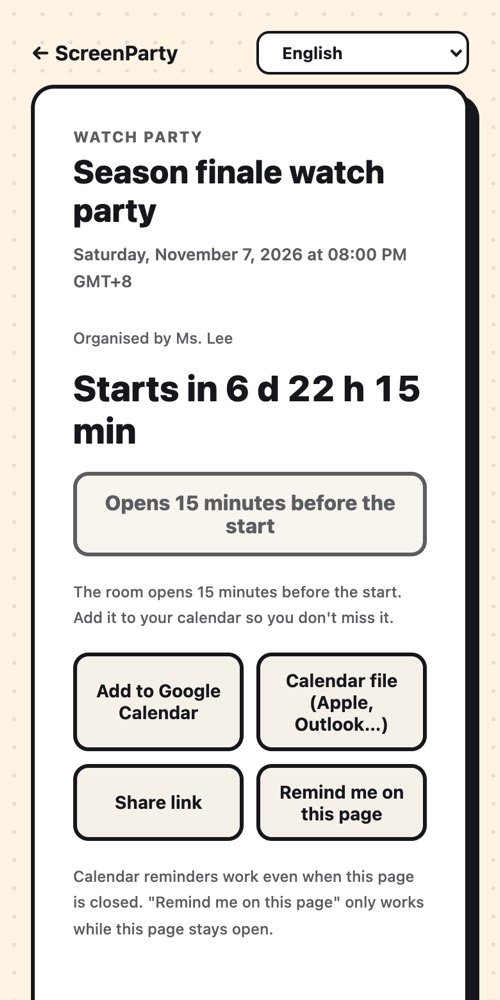
- Go to "Schedule one for later": give it a title and a start time.
- Share the page link in your group chat. The preview shows the title.
- Members tap "Add to calendar" — their own calendar reminds them.
- The room opens 15 minutes early as a lobby; the organiser can open it any time.
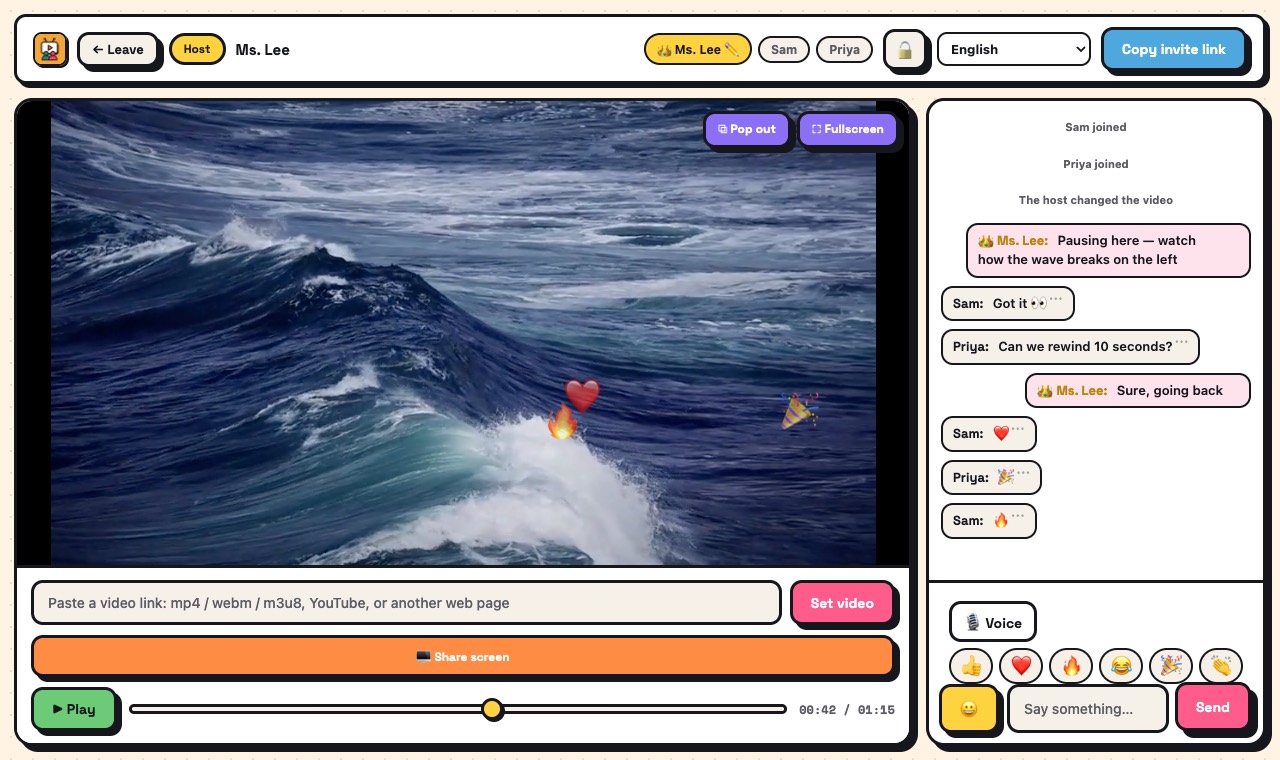
- Press play when everyone is in. React with 👍 ❤️ 🔥 😂 🎉 👏 — they float over the video for the whole room.
What you get
- Countdown page with Google Calendar and calendar-file buttons
- Lobby chat before the start
- Floating reactions everyone sees
- Voice chat, up to 6 speakers on the web
- Works on phones and computers, in 12 languages
- Room password and lock if the link leaks
Good to know
- A room holds 4 people free, or 10 when someone in it has PRO. Bigger groups split into several rooms.
- Sync works with direct video links and public YouTube videos. Paid streaming services cannot be synced.
- We do not send reminder e-mails — the calendar does it, so we never need your address.
What it isn't
- Not a streaming service: we provide no videos — only what you link to and have the right to show.
- Not a public event page: only people with the link can see the schedule.
Questions
Does everyone need the same app?
No. Phones and computers join in the browser; Android users can also use the app.
What if people arrive early?
They see the countdown. The room opens 15 minutes before the start.
Is the schedule kept forever?
No. The title, time and organiser name are deleted one day after the start.
Can we use a streaming service we pay for?
No. Those services block syncing, and sharing the screen usually shows a black picture.
Ready? It takes a few seconds.
No account, no extension, no app to install.