Pause the lesson video for everyone, then explain
Tutors and small classes use ScreenParty to watch a course video at exactly the same moment. You press pause, everyone pauses — then you talk it through.
Create a room — free Schedule one for later
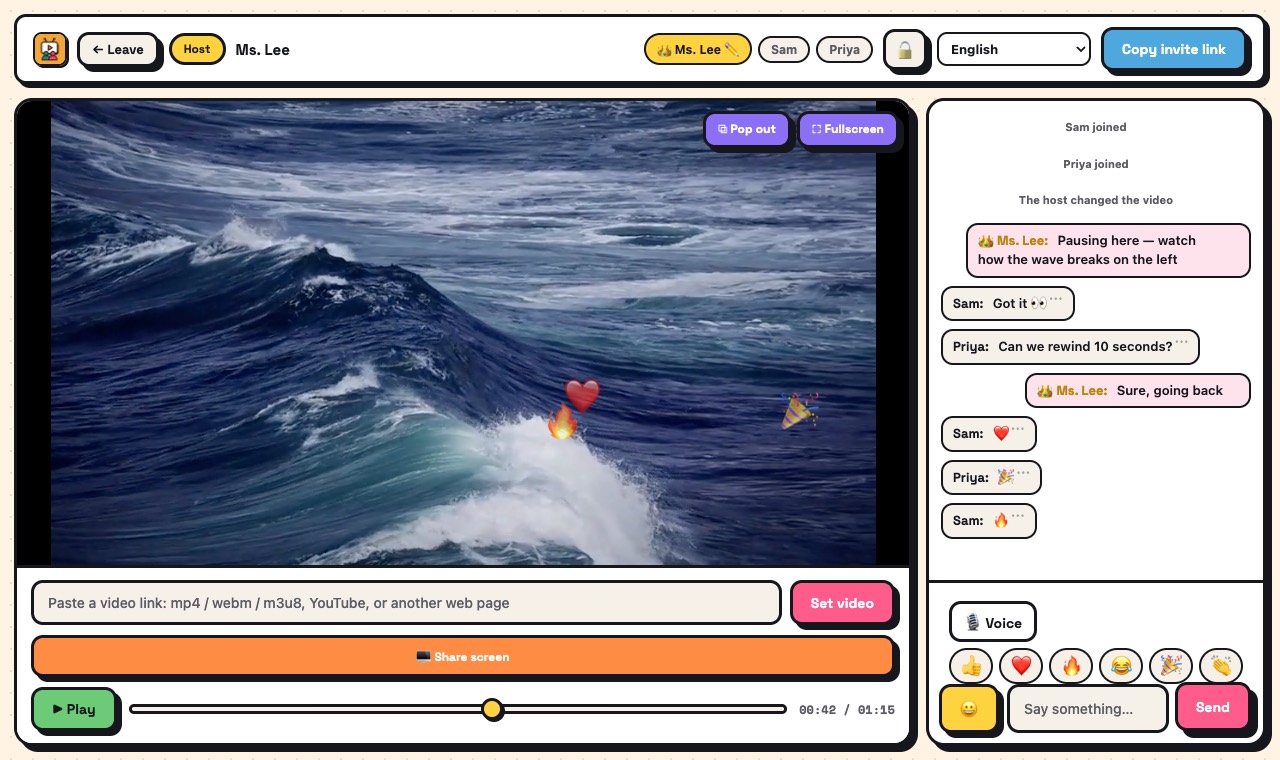
How it works
- Open ScreenParty and create a room. You are the host.
- Paste the lesson video: a direct link to your own video file (mp4, webm or m3u8) or a public YouTube video.
- Send the invite link. Students join from a phone or computer browser — no account, nothing to install.
- Play, pause and seek: every student follows you. Hand the remote to a student if they should drive.
- Turn on voice to discuss (up to 6 speakers on the web), or use chat and quick reactions.
What you get
- Playback controlled by the host, everyone in sync
- Voice chat and text chat in the same room
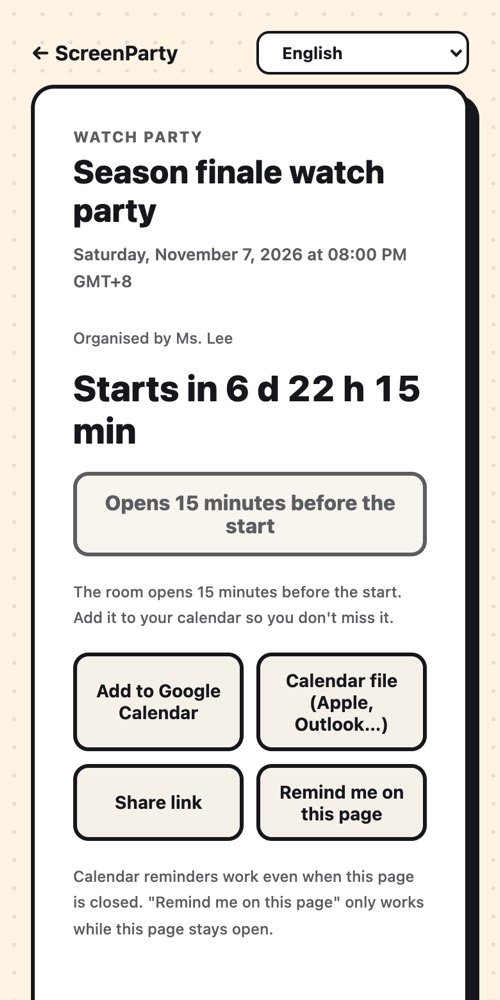
- Schedule the class: a countdown page with "add to calendar"
- Room password, lock and remove members
- Interface in 12 languages
- Screen sharing from a computer browser for slides or a demo
Good to know
- Free rooms hold 4 people; a PRO room holds 10 — good for tutoring and small groups, not lecture halls.
- The video has to be a direct video link or a public YouTube video. Course platforms that need a login usually cannot be synced.
- Nothing is recorded, and chat is not saved after the room closes.
What it isn't
- Not a video-conferencing tool: there are no webcams.
- Not a course platform: no attendance, grades or homework.
- Not for paid streaming services: they block syncing, and screen-sharing them usually shows a black picture.
Questions
Do students need an account?
No. They open the link, type a name and they are in.
Can a student control playback?
Only if the host hands them the remote. The host can take it back at any time.
How many students can join?
Up to 4 in a free room. If anyone in the room has PRO, the room holds 10.
Can I use videos from my course platform?
If you can get a direct link to the video file (mp4, webm or m3u8), yes. Pages that need a login usually cannot be synced.
Ready? It takes a few seconds.
No account, no extension, no app to install.